01
A real warehouse problem
Damaged barcodes on products, boxes, and storage locations forced workers to copy long codes by hand into a generator.
 WareCode
Codes made practical
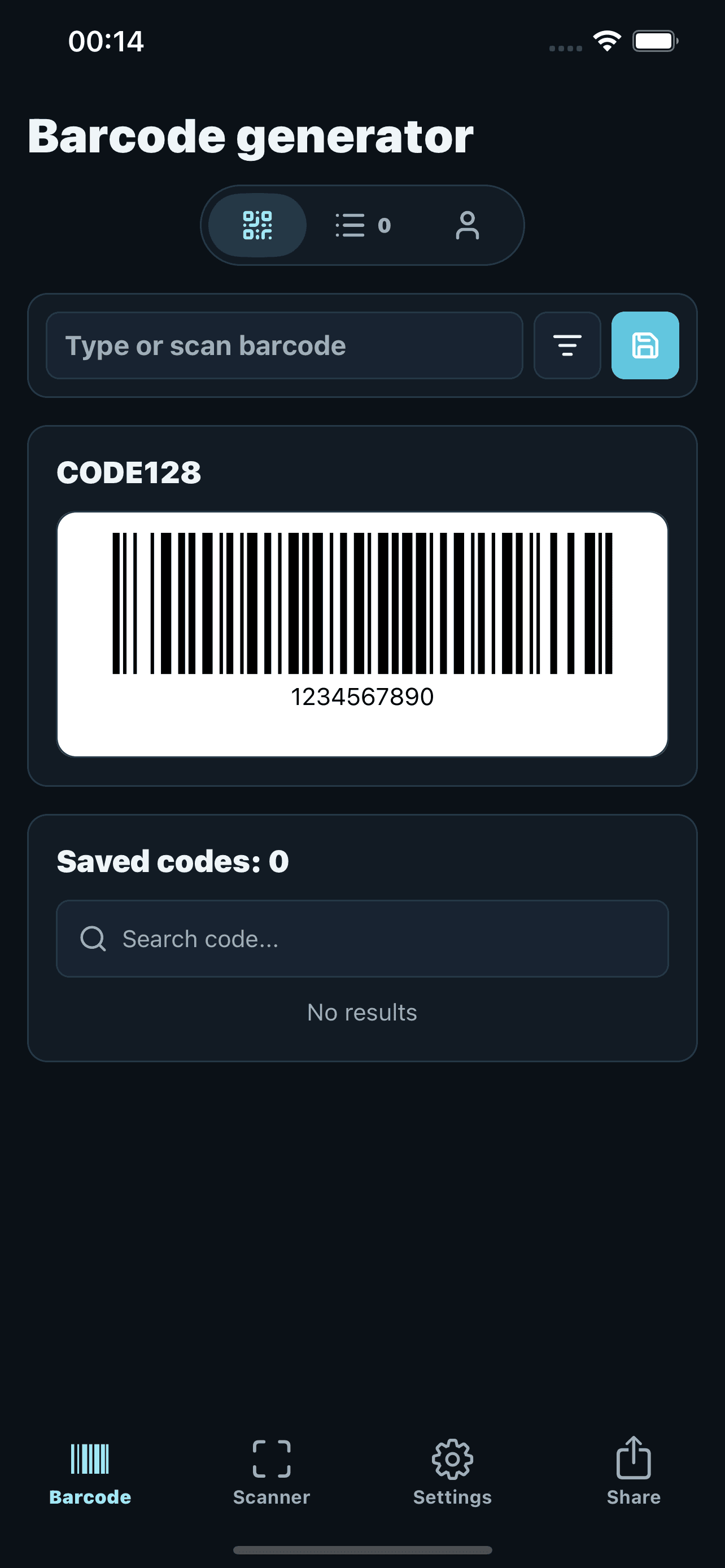
WareCode for iPhone: generate and scan barcodes and QR codes, recognize values from photos and save reusable codes. App Store available; Android in beta.
Available on iPhone · Android in beta
Everyone is welcome to test. Email me with your Google Play email and device model to request access.
The story behind WareCode
I had five years of development experience when I moved to another country and started working in a warehouse while arranging my residence documents. That job showed me a repetitive problem worth solving.
01
Damaged barcodes on products, boxes, and storage locations forced workers to copy long codes by hand into a generator.
02
I built a web app that read a value from a scanner display or damaged label photo and immediately generated a clean barcode.
03
After coworkers adopted the web version, I created the mobile app with camera scanning, on-device OCR, saved codes, and custom patterns.
What makes it different
WareCode shortens the moment when a damaged label or unreadable scanner result stops the picking workflow.
WareCode comes from a workflow I used for full shifts, not from an imagined product brief.
Photograph a readable code or scanner screen, extract the value, and generate a barcode ready to scan.
The mobile app uses native OCR and barcode scanning for quick recognition during warehouse work.
Add custom patterns so WareCode extracts the article, carrier, location, or internal codes your workflow needs.
See it in action
Use the browser for quick access or keep the full mobile workflow on your phone.
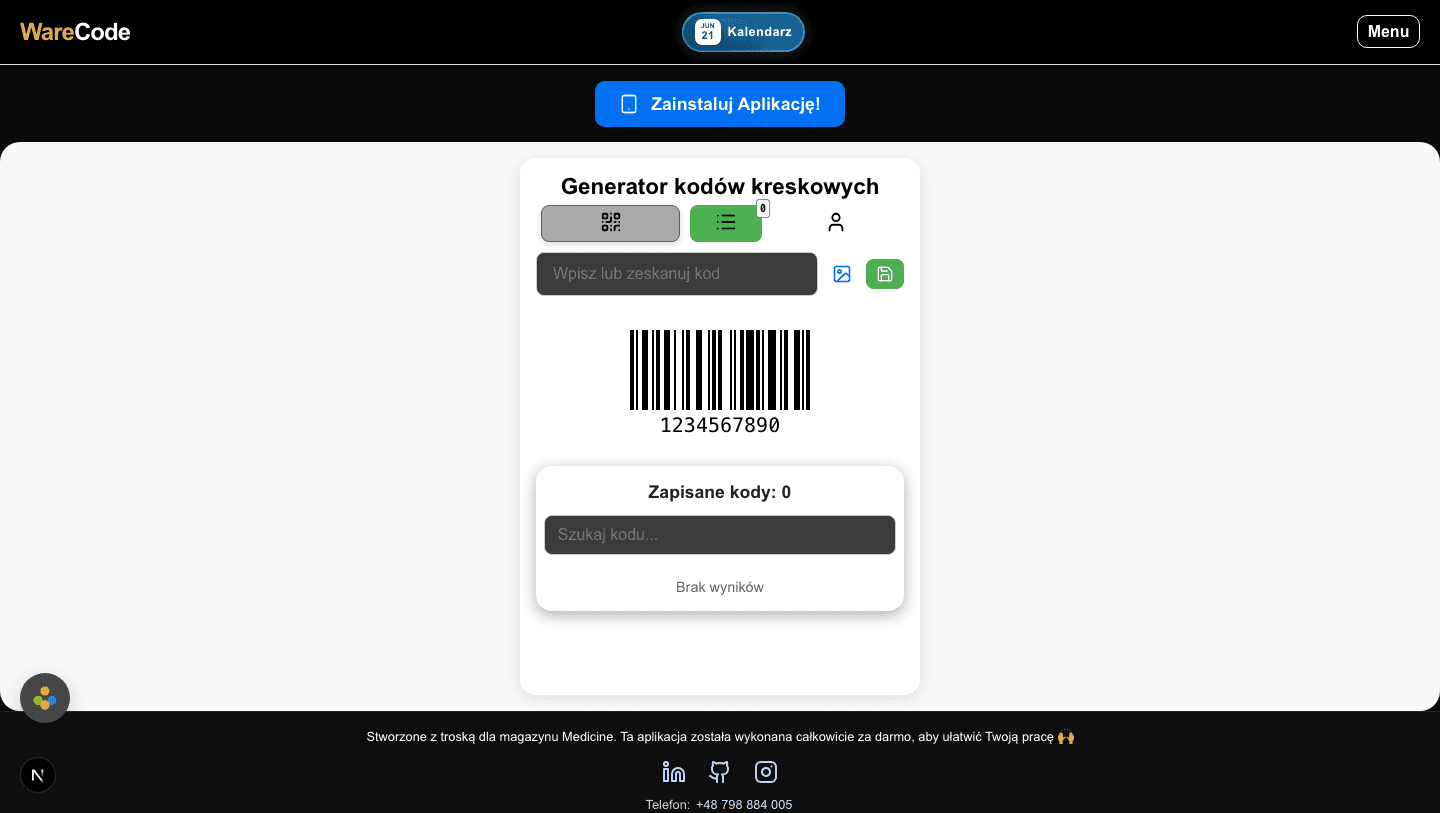
Generate barcodes, upload an image, and keep frequently used codes close at hand.
Create a barcode, save it, or move straight to scanning and settings.
FAQ
It was created for a real warehouse workflow and combines generation, scanning, OCR, saved codes, and custom patterns.
Yes, when the printed value remains readable. WareCode can extract it and generate a clean barcode.
Yes. Photograph the visible value and turn it into a scannable barcode without typing the full number.
No. OCR in the mobile app runs on the device. Web OCR may use cloud processing when you request it.
No. It complements the scanner when a label or displayed value cannot be scanned normally.
No. Saved codes, settings, and patterns are stored locally on your device.
Support
Send an email about WareCode, App Store, the web version, or anything that is not working as expected.
Project details
Developer
Oleksii Burdeniuk
Project
WareCode
Available
Web, iOS, Android
Android
Closed testing